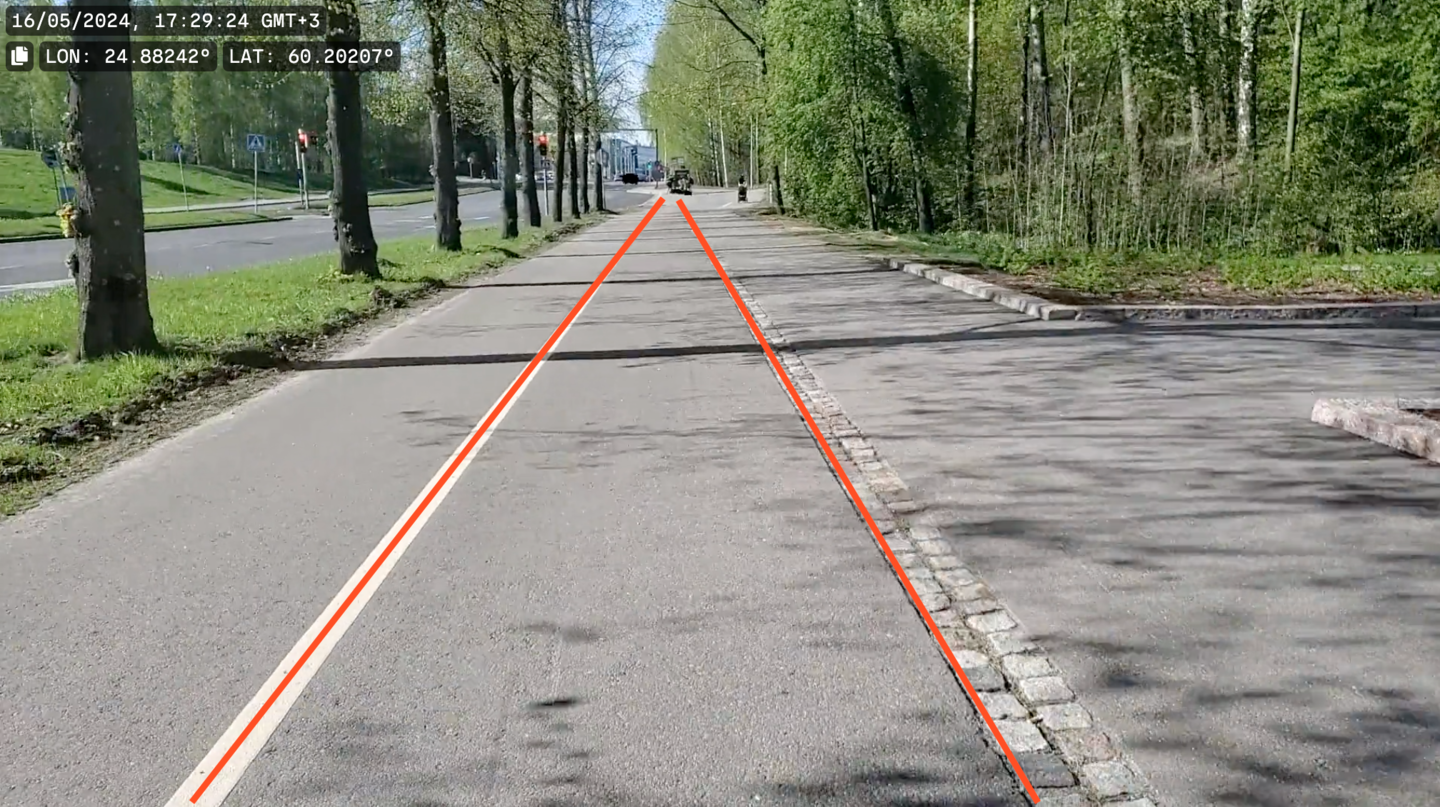
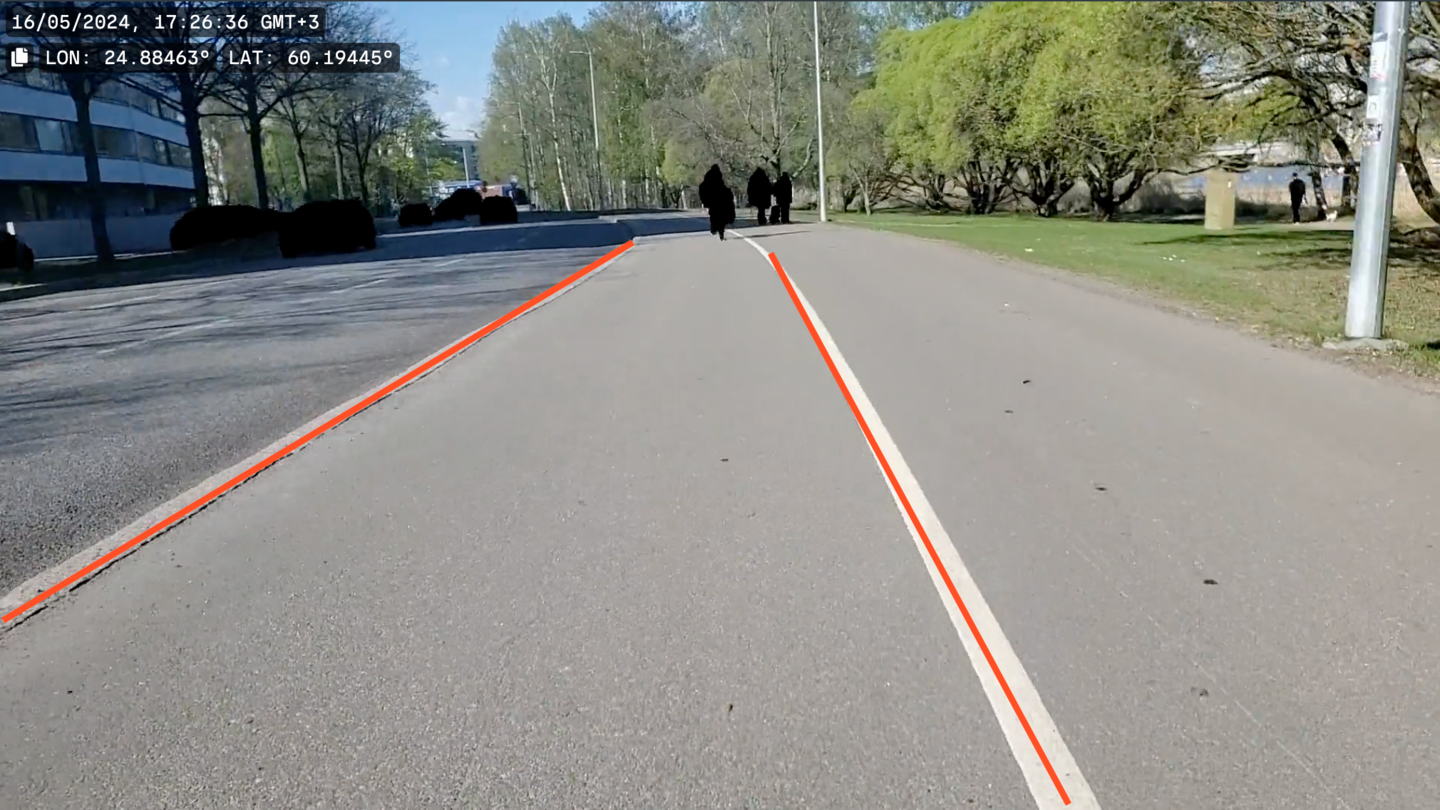
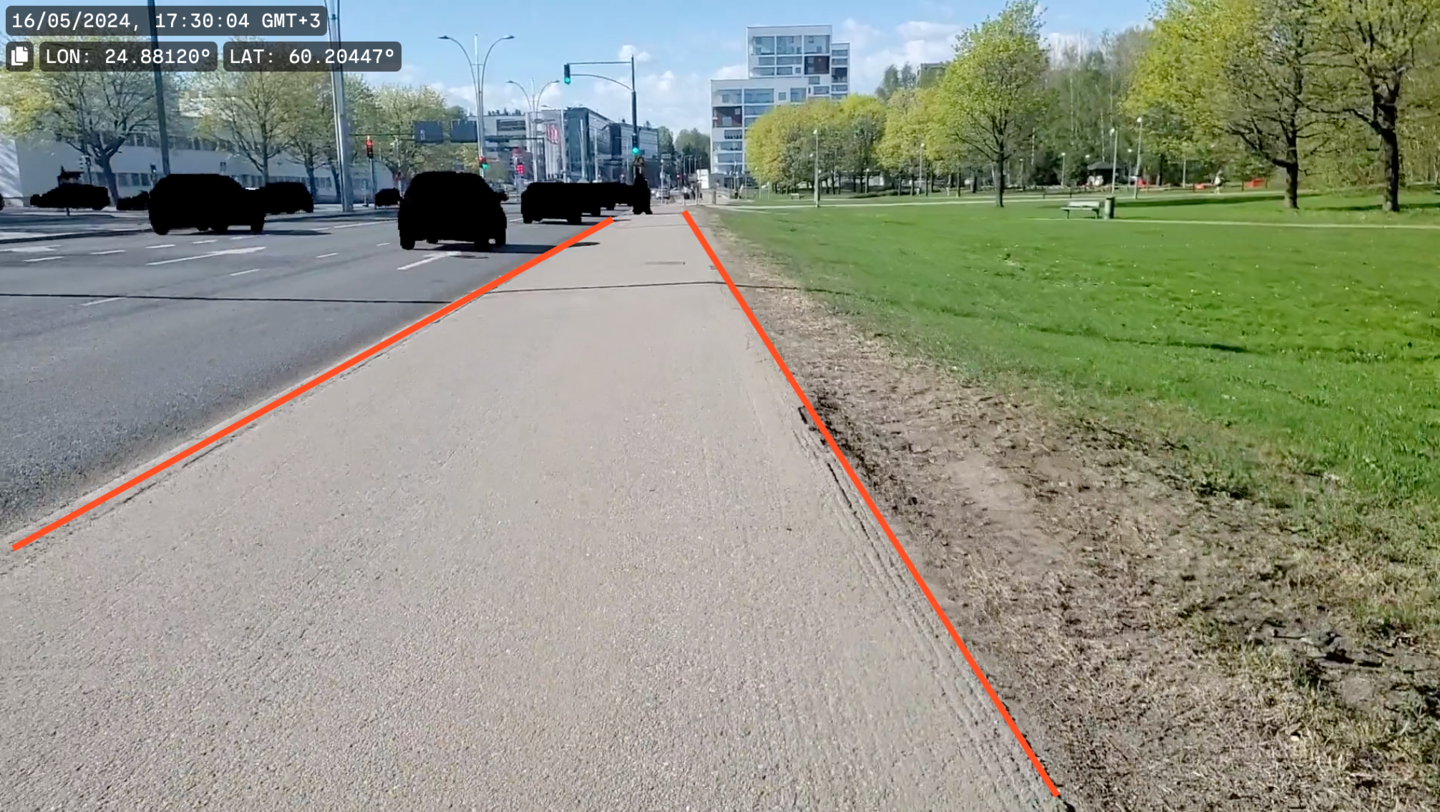
Surveying cycle and footways
Cycleways and footways can be recorded while walking, cycling, or driving an appropriate vehicle.
 | Traffic sign and surface marking data can be collected from cycleway and footway videos. The signs and markings are added to those collected from roads. |
The process to survey cycleways and footways is the same as when surveying roads.
For optimal results, make sure to:
- Bring a battery bank to charge the phone
- Use a polarizing filter only if there is a windshield between the camera and the road
- Avoid crossing roads unnecessarily
- Only record a lane once during one survey
- Always record in landscape orientation
- Stop recording before making a U-turn
- Stop recording if you need to cross an extended distance that is not part of the cycleway or footway network
| Make sure to always use the RoadAI Mobile Application assist line as a guide. 1/3 of the view should be above the horizon, and 2/3 below. |
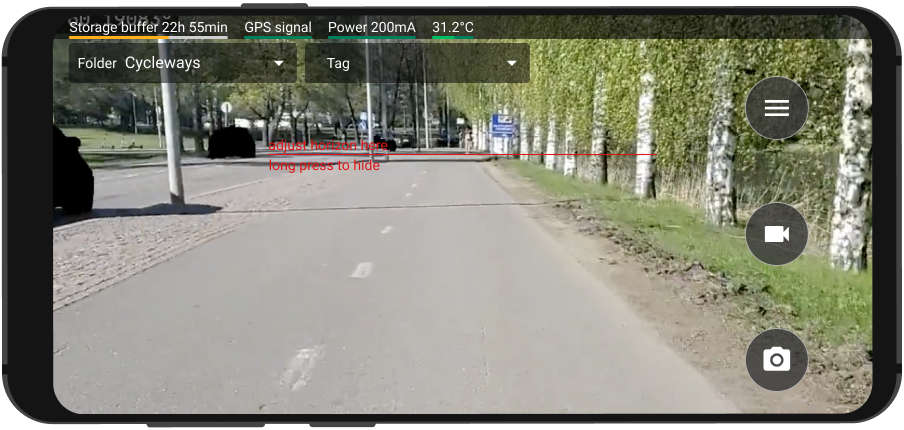
| Driven lane mode must be activated to survey cycleways and footways. Contact your RoadAI customer success manager to activate the driven lane mode. |
Drive the lane which is the most representative of the condition of the overall cycleway or footway. Switch between lanes if necessary and safe.
 | Use the Bluetooth button to create annotations if it is not safe to change lane to report a distress or anything else of interest in another lane. |